MUCAR 892BT vs. 892BT Pro: Differences, Comparison & Buying Guide
MUCAR 892BT vs. 892BT Pro: Differences, Comparison & Buying Guide
The short answer
The MUCAR 892BT and the MUCAR 892BT Pro share the same tablet and the same diagnostic software. The Pro adds two extra tools: a graphical ECU network topology and J2534 pass-thru for OEM software such as ODIS, ISTA or XENTRY. If you diagnose, code and do service work, the 892BT covers it. If you chase network faults or program control units, you need the Pro.
- Same hardware
- Same diagnostic software
- Pro: + topology
- Pro: + J2534
- No upgrade path
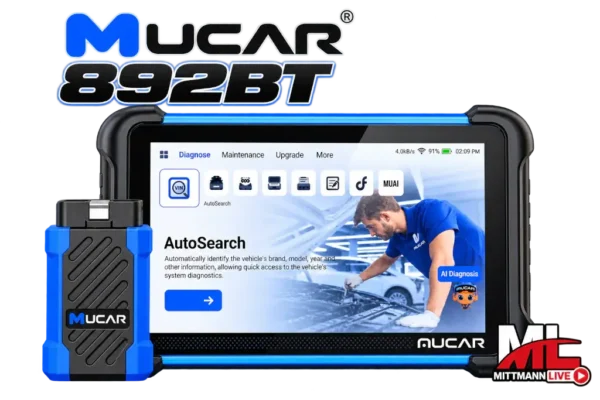
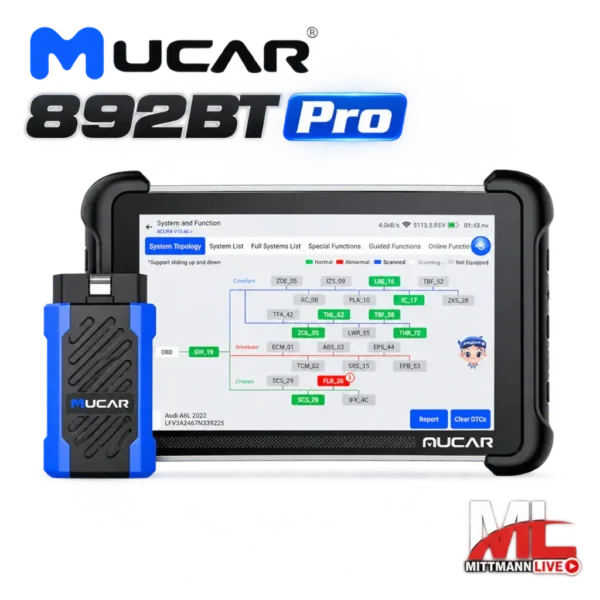
MUCAR 892BT vs. 892BT Pro side by side
| Feature | MUCAR 892BT | MUCAR 892BT Pro |
|---|---|---|
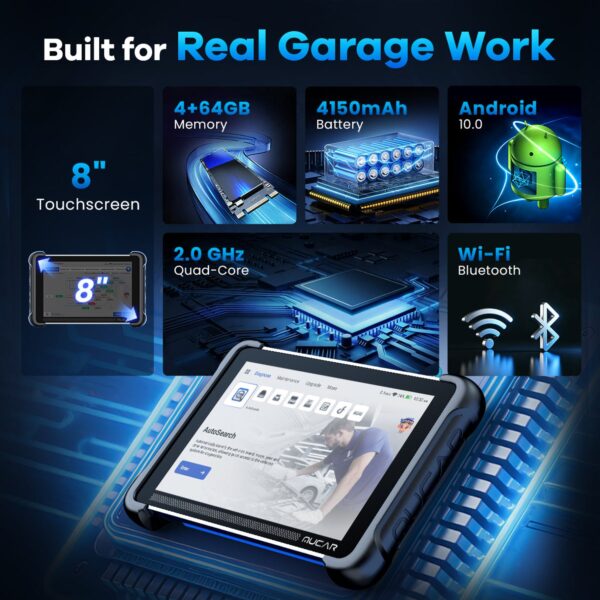
| Tablet | 8 inch, 1280 × 800, 4 GB / 64 GB | Identical |
| Vehicle connection | Bluetooth VCI | Bluetooth VCI, J2534-capable |
| Full-system diagnostics with live data | Yes | Yes |
| Bidirectional (active) tests | Yes | Yes |
| ECU coding and adaptations | Yes | Yes |
| Service functions | 35+ | 35+ |
| CAN FD and DoIP | Yes | Yes |
| AI-assisted fault analysis | Yes | Yes |
| Graphical ECU network topology | No | Yes |
| J2534 pass-thru for OEM software | No | Yes |
| MUCAR software updates | Lifetime, no annual fee | Lifetime, no annual fee |
| Security gateway unlock | Optional add-on | Optional add-on |
| Upgradable to Pro later | No | – |
| Price | Lower | Surcharge for topology and J2534 |
What does topology do in real work?
Topology shows every control unit in the vehicle as a network map, grouped by bus system. At a glance you see which modules have stored faults and which are not responding at all. A standard system scan shows the same information as a list – complete, but without the structure behind it.
The 892BT does not have this view – it shows all control units in a classic system scan.
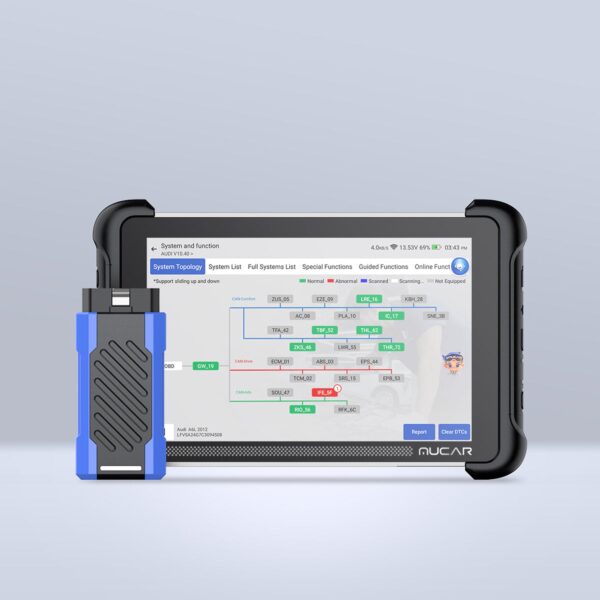
Where topology saves time
- Dozens of U-codes after crash repairs or water damage
- Intermittent failures in several systems at once
- Retrofits after which warning lights „suddenly“ come on
- Vehicles with many networked comfort and driver-assistance systems
Where it adds little
- Oil service, brakes, battery replacement
- Single engine or emissions faults
- Coding comfort features
- Vehicles without topology support – these get a classic system scan
What J2534 does – and what it doesn’t
J2534 is the standard that lets vehicle manufacturers‘ diagnostic and programming software talk to the car. The 892BT Pro acts as the adapter between a Windows PC and the vehicle. That opens up jobs no aftermarket tablet can do on its own: programming control units after replacement, flashing software updates from manufacturer campaigns, or running brand-specific procedures.
What matters for your purchase: J2534 is only the connection. You also need the OEM software, a manufacturer access subscription (usually paid), a Windows laptop and a battery maintainer. If you are not going to use that setup, you would be paying for a feature that stays unused.
According to the supplier, pass-thru operation has been tested with VAG ODIS, BMW ISTA, Mercedes-Benz XENTRY, Toyota Techstream, Honda HDS, Volvo VIDA, Ford IDS/FDRS, GM GDS2, Subaru SSM4, wiTECH 2.0 and JLR SDD, among others.
Which tool fits whom?
DIY and enthusiasts
Your own cars and the family’s: read faults, reset service, register a battery, change pads on electronic parking brakes, code comfort features. Topology and J2534 are rarely needed here.
Our pick: 892BT
Used car dealers
Pre-purchase checks of every control unit, documenting stored faults, small service jobs before resale. The full system scan is the key tool here.
Our pick: 892BT
Independent shops focused on mechanical work
Service, brakes, suspension, engine: diagnostics, active tests and service functions cover the daily routine. The Pro pays off once electrical jobs or module replacements become regular.
Our pick: 892BT, Pro as you grow
Shops doing electrics, crash repair or programming
Network faults, accident vehicles, replaced control units, software updates with OEM access: topology and J2534 are everyday tools here.
Our pick: 892BT Pro
What both models share
Updates with no annual fee
On both tools, the MUCAR diagnostic software is updated for life, with no yearly licence renewal. Over the years you use the tool, this often matters more than the difference in purchase price.
Security gateway on newer vehicles
FCA, Mercedes-Benz and Volkswagen Group vehicles require an unlock for write access – regardless of which model you choose. Matching licences: FCA SGW, Mercedes SGW and VAG SFD2.
How to compare tools in this class
Several brands offer tablets with full-system diagnostics, active tests and coding. When comparing, four questions tell you more than any feature list:
- What do updates cost after year one?MUCAR: no annual fee
- Can the tool work as a J2534 interface?Only the 892BT Pro
- How are network faults displayed?Topology on the 892BT Pro only
- How is security gateway access handled?Optional unlock per manufacturer
Many tools in this class ship with a limited update period, after which a paid subscription is required. Always check the update terms before you buy.
View the tools
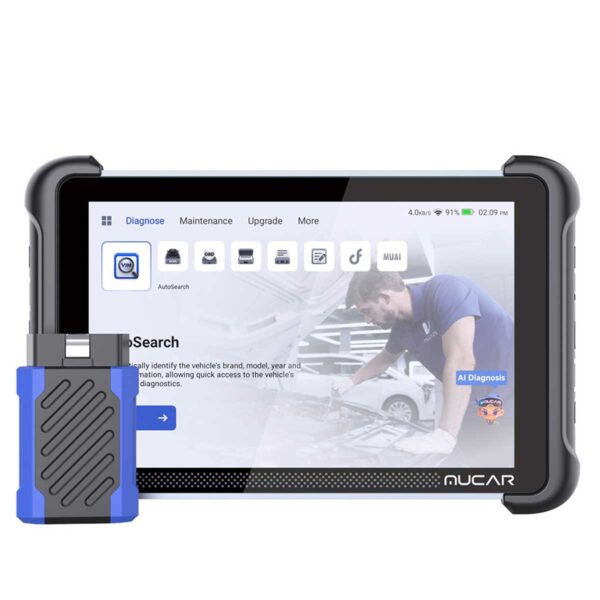
MUCAR 892BT
Full-system diagnostics, active tests, ECU coding and 35+ service functions – for DIY, dealers and everyday shop work.
MUCAR 892BT Pro
Everything in the 892BT, plus ECU network topology and J2534 pass-thru for network diagnostics and programming with OEM software.
Frequently asked questions
What is the main difference between the MUCAR 892BT and the 892BT Pro?
Topology and J2534. Everything else – tablet, diagnostic software, active tests, coding and service functions – is the same on both models.
Is the 892BT Pro worth the extra money?
Yes, if you program control units with OEM software or regularly hunt down communication faults. For diagnostics, coding and service work, the Pro offers no advantage.
Can I use ODIS, ISTA or XENTRY with the standard 892BT?
No. That requires a J2534 interface, which only the 892BT Pro has.
Does the 892BT Pro replace a dealer-level tool?
Not completely. With J2534 and the relevant OEM access you can run many manufacturer procedures – which ones depends on the OEM software. The tablet itself is a multi-brand scan tool.
Which model is better for DIY use?
In most cases the 892BT. It covers diagnostics, coding and typical service jobs, and the money saved can go towards a security gateway unlock, for example.
Can I upgrade the 892BT to the Pro later?
No, topology and J2534 cannot be added afterwards. If you expect to need either, the Pro is the cheaper choice from day one.
